
Photogrammetry 3D Models, Aalto University and PhotoRobot

Join PhotoRobot at Aalto University to discover photogrammetry scanning techniques and 3D modeling on the Centerless_Table.
Spins, Photogrammetry, and 3D Models at Aalto University
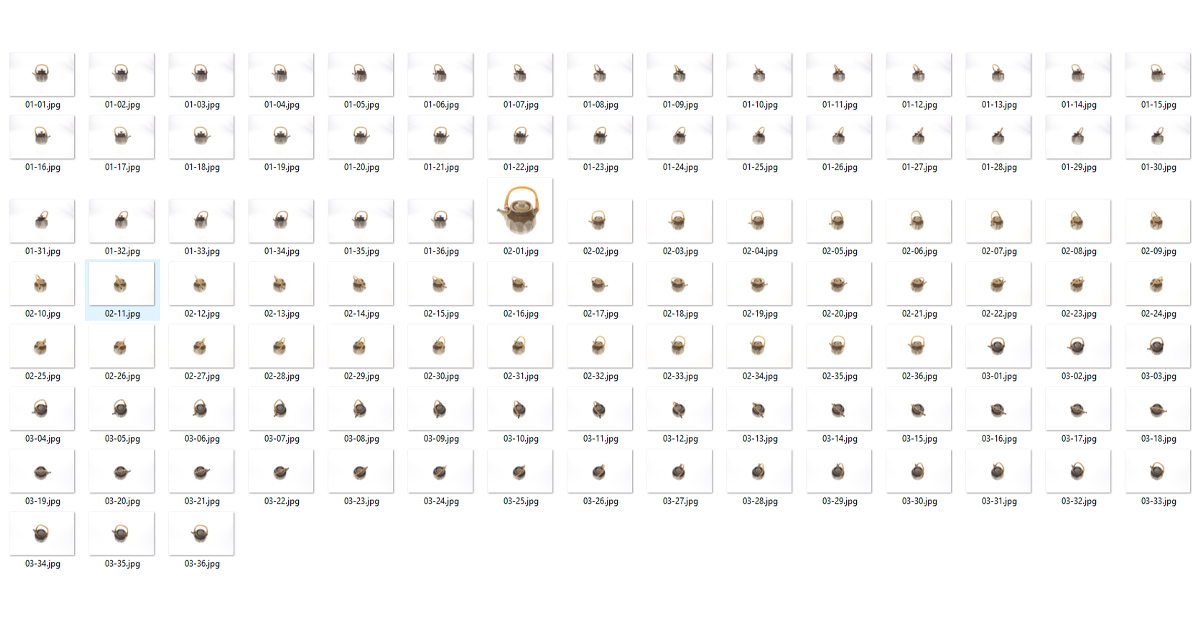
Recently, Aalto University showcased photogrammetry scanning techniques and 3D modeling using PhotoRobot’s Centerless_Table. Their feature demonstrates how researchers at the Civil Engineering Department reconstruct an object in 3D with a photo series of 108 photographs.
Capturing the photo series, researchers used the Centerless_Table, with 3 cameras set at various angles (5, 30, and 60 degrees). The Centerless_Table activates cameras and flashes in parallel at every 10 degrees of rotation.
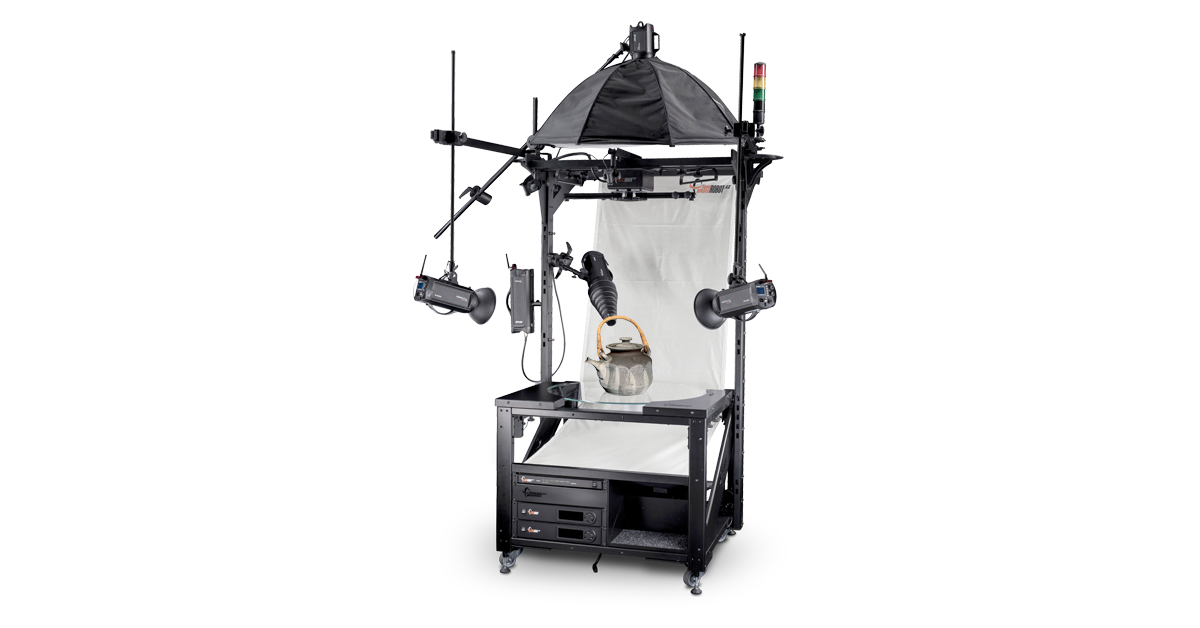
PhotoRobot software provides full control over the machine, turntable rotation, cameras, and lighting. It also handles the majority of the heavy-lifting in editing and post processing. The software processes all files in JPEG, while saving RAW images in TIFF format for the archive (international standard).
Continue reading to learn more about the process. We describe photogrammetry scanning techniques, and share how Aalto University deploys PhotoRobot to construct 3D models.
Photogrammetry Scanning and 3D Modeling
The use of 3D models is common in today’s digital marketing, but it is also useful in Education and research. 3D modeling allows us to create an accurate representation of an object, which viewers can view digitally and in 360 degrees.
This provides educators, students, and researchers a way to examine objects of study remotely and with greater ease of access. A 3D model can transform artifacts, fossils, rocks, minerals and more into online learning assets.
Moreover, 3D models provide valuable information for analysis and research, without students needing to physically inspect the object. The object of study doesn’t even need to be on hand, at the campus, or in the same country.
To construct a 3D model, we use a series of photos from all angles around an object and a technique called photogrammetry. But what is photogrammetry? Let’s explain now.
What is the photogrammetry technique?
Alice Vision’s Meshroom provides a sound example of open source photogrammetry software. They explain the process as follows.
“Photogrammetry is the science of making measurements from photographs. It infers the geometry of a scene from a set of unordered photographs or videos. Photography is the projection of a 3D scene onto a 2D plane, losing depth information. The goal of photogrammetry is to reverse this process. The dense modeling of the scene is the result yielded by chaining two computer vision-based pipelines: “Structure-from-Motion” (SfM) and “Multi View Stereo” (MVS).”
In other words, photogrammetry involves obtaining reliable information about a physical object via recording, measuring, and interpreting imagery. We then use this information to replicate the object in the form of a digital 3D model.
For further examples of what we can achieve with this technique, take RealityCapture. This market leader in photogrammetry software creates visualizations from images and / or laser scans completely automatically. Produce a wide range of models: from virtual reality scenes to textured 3D meshes, orthographic projections, geo-referenced maps, and much more.
Why Use Photogrammetry Scanning for 3D Modeling
Photogrammetry is among the most common and effective methods for scanning objects for 3D modeling. Let’s look at the reasons why.
When working with objects of varying size
Unlike other scanning methods, photogrammetry does not require the exact position of the scanner from the object. Other methods use what’s called “targets” for this. Photogrammetry, however, makes these targets in most cases unnecessary.
For a wide range of scannable surfaces
Further, photogrammetry is somewhere in the middle when it comes to its range of scannable surfaces. It doesn’t often work well with glossy surfaces, but it can scan a wide range of other surface types.
To boost speed and productivity
Another advantage of photogrammetry is speed. Scanning for 3D modeling alone takes no more than an hour. Compare this to other systems, and photogrammetry is often up to 10 times quicker. Then, with PhotoRobot, scanning times can be reduced even further, down to a few minutes per product.
For incomparable texture quality
The final advantage of photogrammetry is that you can offer a texture resolution of up to 16,384 x 16,384 pixels. This means all photogrammetry 3D models come in high, detail-rich resolution with uncompromising texture quality.
How to Scan Objects for 3D Modeling
When using the Centerless_Table, photographing an object to create a 3D model often takes no more than a minute. Its design is suitable for a variety of objects, from anything the size of a ring to a suitcase.
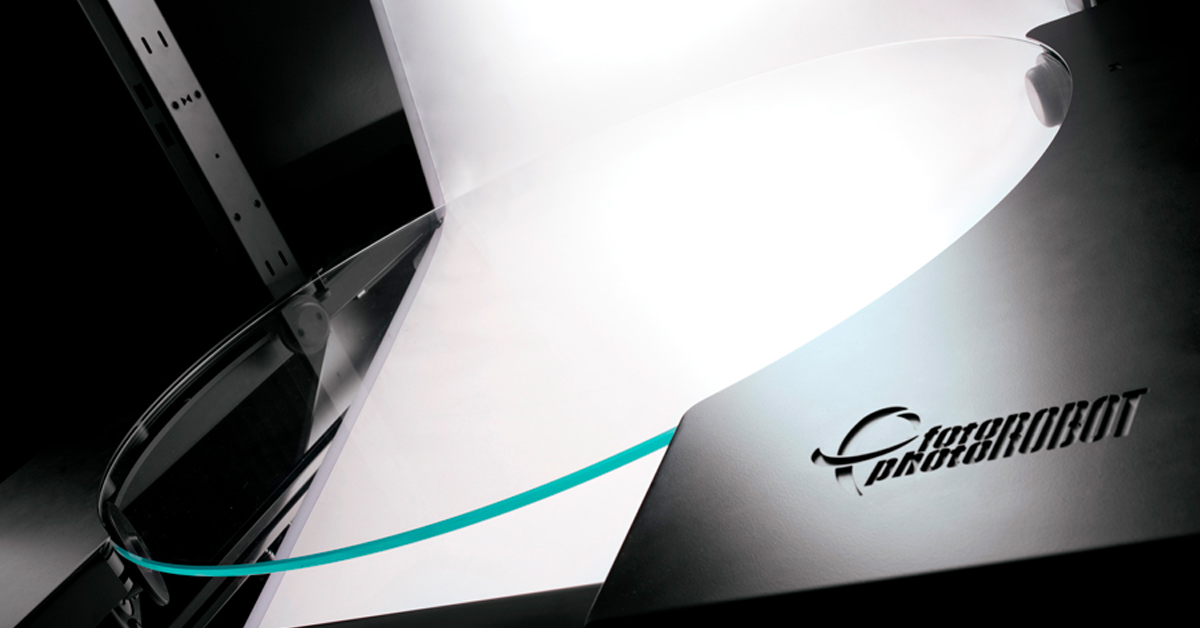
The optical glass plate of the turntable also allows for photography of objects from underneath the glass. This means we can capture the object from below as well as its top angles.
After photography, special photogrammetry software then processes photos to create the 3D model. This open-source software is available to professionals, and there are numerous options for photogrammetry software in 2021.
Photogrammetry Software and How it Works
The range of photogrammetry software differs in price, speed of calculations, and ability to recreate objects. The calculations that the software has to make to create a 3D object are very demanding.
It takes up to several hours to create a 3D model, and the software’s degree of automation is also a factor in pricing. Quality then revolves around know-how and efficiency with the software’s tools.
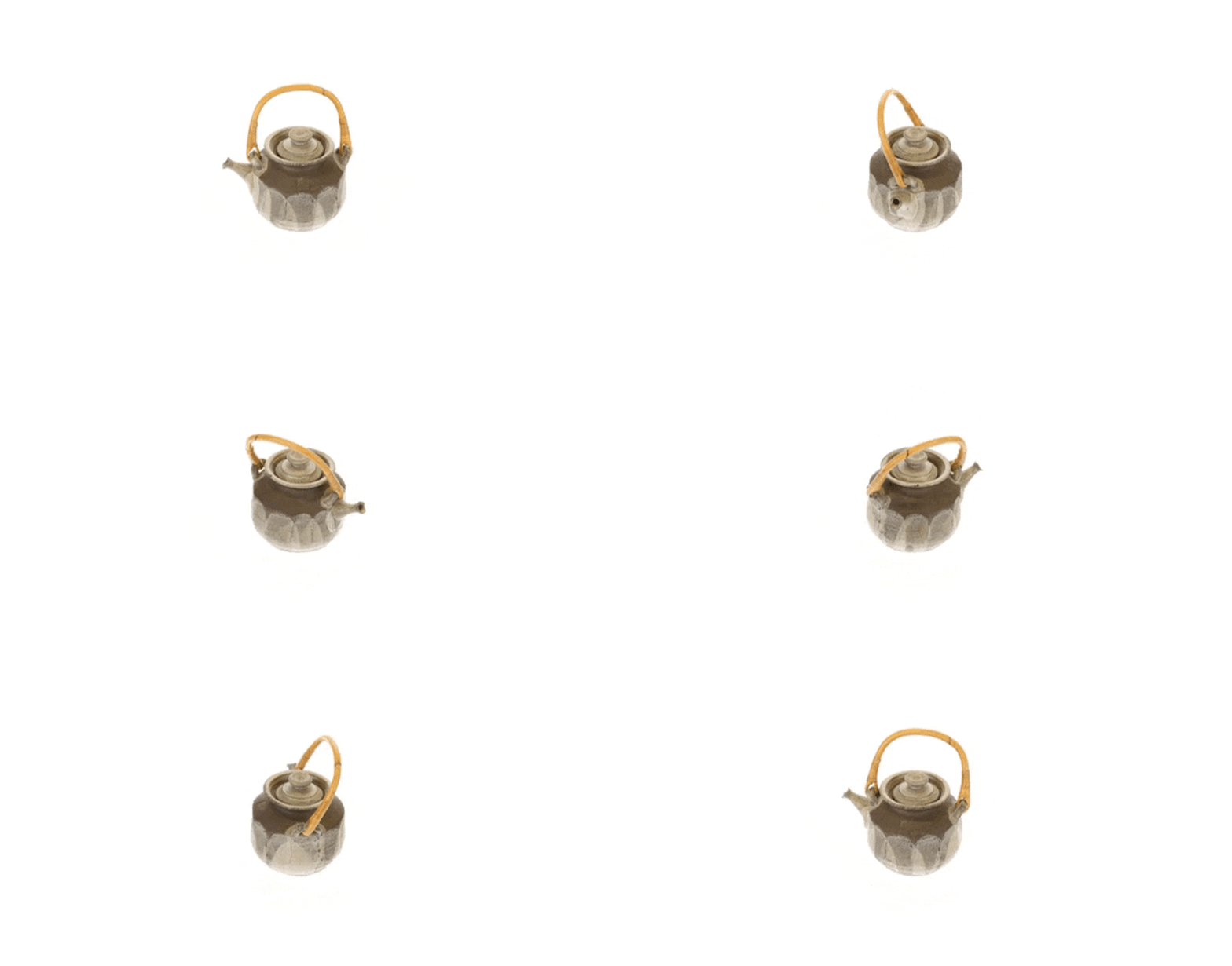
Data from the software can have up to several million polygons. This makes it necessary to regularly clean files and adjust their size to meet your needs. Adjusting models into their final format is one of the key stages to creating a 3D model.
However, photogrammetry software does not come without limitations. In some models, details and information must be manually input. A typical case for this is when defining the surface gloss of a model.
Rendering 3D Models into 2D Images
Finally, 3D rendering is the method of transforming 3D models into 2D images. These come in a variety of formats, from photorealistic to intentionally non-realistic images.
In this way, 3D modeling and rendering differ by results. With a 3D model, we have a geometric representation of an object contained in a 3D file. Rendering gives us an artistic representation of a 3D model in the form of a still image or an animation.
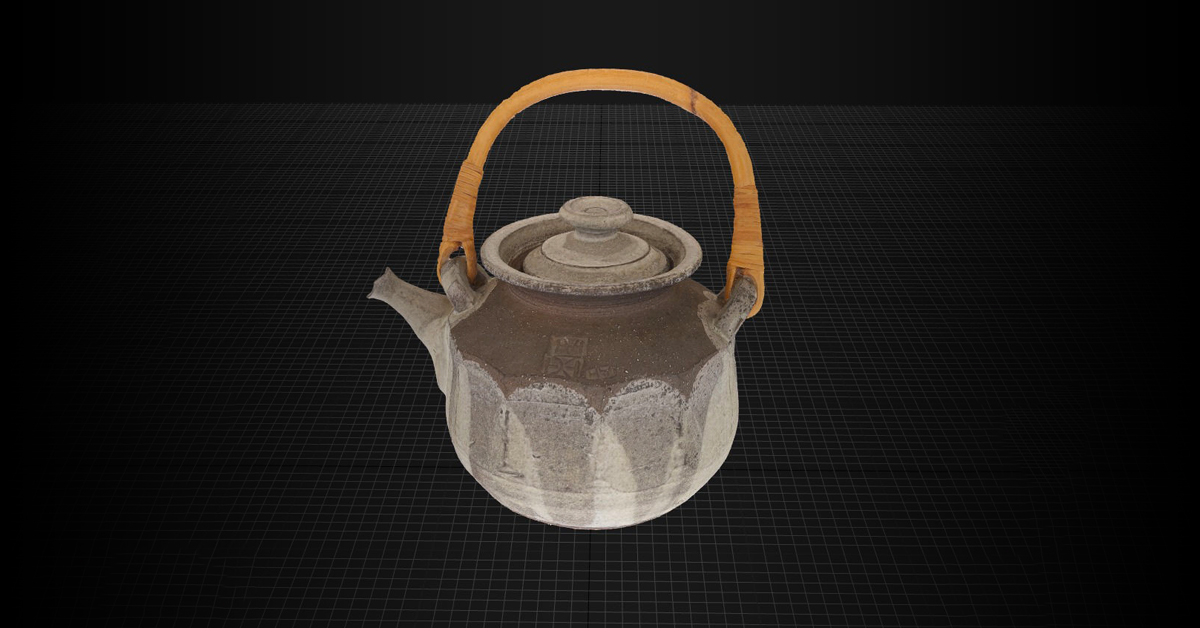
2D photorealistic images are often so true-to-life that it’s impossible to tell the difference from a real photograph. These images are common in digital product marketing, as well as in static photos for the web and print.
Discover More About PhotoRobot and 3D Modeling
Find out more about 3D modeling with PhotoRobot solutions today. Contact us to schedule a free 1:1 consultation. Find tools to meet your demands, whether it’s creating a 3D model, or delivering product photography solutions for your brand.


